A request for quotation starts a conversation. Keep the customer's requirement, technical decisions and commercial agreement connected as the work moves forward.
Qualify the RFQ
Capture the buying company, application, drawings, requested quantity and next review.
Agree the quote
Connect the current revision, costing input, exclusions and customer approval.
Confirm the handoff
Transfer the agreed order and track acknowledgement from the receiving system.
Continue the relationship
Link the next enquiry, account review or service request to the customer history.
A proposed commercial workflow. Manufacturing planning and order release follow the rules defined for your operational systems.
SYNQ develops custom CRM software and focused extensions. We examine the process first, including what your current tools already do well.
Every quote needs the right revision.
An added component changes the request. The CRM should preserve which version was quoted, what changed and what the customer actually approved.
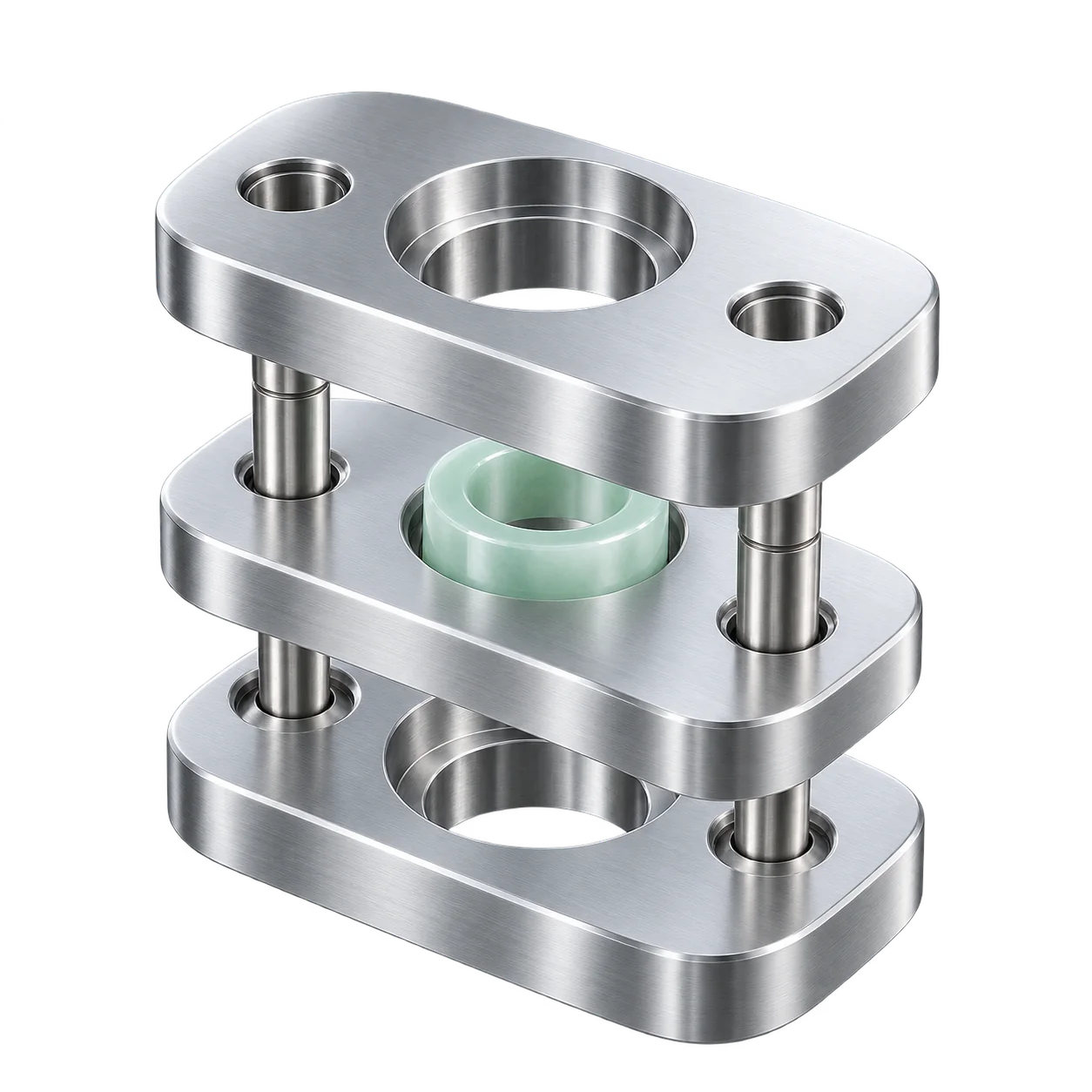
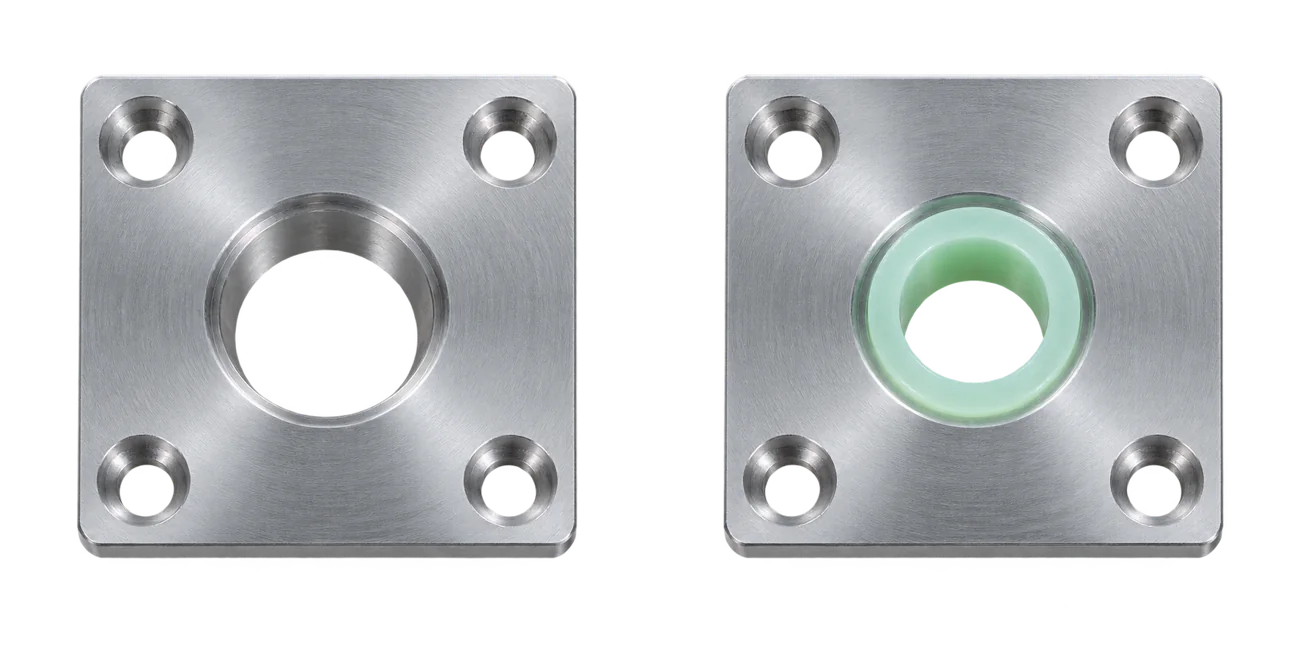
Original request: plate onlyRevised request: plate and bushing
Illustrative generated parts. A simple model of a scope change, not a technical drawing or customer product.
One change. Several decisions.
The drawing reference, quote and approval need to agree. A requested delivery date remains a request until the responsible team confirms it.
Explore this fictional RFQ. The reviewed state records commercial approval while keeping the ERP acknowledgement visible as an outstanding check.
RFQ: mounting plate
Original request
Drawing
Revision A
Requested scope
Plate only
Quote
Draft, awaiting technical review
Customer approval
Not yet received
ERP order
Not created
RFQ: mounting plate
Reviewed revision
Drawing
Revision B
Agreed scope
Plate with bushing
Quote
Version 2, linked to revision B
Customer approval
Recorded against version 2
ERP order
Awaiting acknowledgement
Fictional example. No quote, approval or order is created by this demonstration.
The original request and reviewed revision are shown for comparison.
Manufacturing CRM and ERP: define ownership.
Let sales see the information it needs. Decide which system owns each record before connecting customer, engineering and production data.
Information
Proposed owner
What the CRM uses
Customer and opportunity
CRM
Stakeholders, enquiries, conversations and next actions.
Drawing and released revision
Engineering / PLM
A controlled reference and the revision attached to the quote.
Cost, stock and capacity
ERP / MRP
Agreed availability and costing inputs, with their update time.
Accepted sales order
ERP or order system
The order reference, acknowledgement and relevant status.
Service or repeat enquiry
CRM / service system
Customer context, equipment reference and follow-up owner.
Illustrative ownership model. Your existing architecture determines the final boundaries.
Make exceptions visible. Define what happens when a customer record already exists, a revision changes after approval or a transfer fails. The receiving system should acknowledge an order before the CRM treats the handoff as complete.
Check the connection first. APIs, access rights, vendor limits and data quality determine feasibility. Our ERP and CRM integration approach explains how to scope these responsibilities.
CRM workflows for your manufacturing model.
Contract and custom manufacturing
Put the technical enquiry at the center. Connect the drawing, requested quantity, feasibility questions and quote revisions before an order reaches production.
A useful first scope can be the handoff between technical sales and estimating. Keep engineering release and production scheduling in their agreed systems.
Start with one RFQ that changed after the first quote.
Catalog and repeat orders
Make account relationships, customer-specific terms and follow-up visible. Reference current product and order information from its owner instead of maintaining a second price or stock list.
Equipment and project sales
Track the buying group and agreed configuration through a longer sales process. Connect installation, warranty or service context where those records belong in the assessed scope.
Manufacturing CRM software: configure or build?
Try your actual enquiry, revised quote and order handoff in the existing system. The remaining gap should explain the investment.
Configure a standard CRM
When contact management, a sales pipeline and follow-up solve the problem, configure the fields and permissions your team needs. A smaller manufacturer may need no custom development.
Connect a specific gap
When the CRM works but a revision or order handoff does not, assess a focused extension. Confirm API access and who will maintain the connection.
Develop the missing workflow
When essential relationships and approvals still depend on repeated workarounds, define a bounded custom scope. Include data exports, access control, hosting and ongoing maintenance.
Compare the full cost: licenses, configuration, migration, integrations, training, internal administration and future changes. A custom application needs an operating owner as well as a build budget.
Plan a manufacturing CRM pilot.
Bring one anonymized RFQ, its revisions and the systems involved. Define a first workflow that sales, engineering and operations can test together.
Map the commercial record
Agree the customer, quote and revision relationships. Identify mandatory fields, approval roles and the system that owns each decision.
Output: workflow and responsibility map
Verify data and connections
Review sample records, duplicates, document references and API access. Specify migration boundaries, reconciliation and how failed transfers are retried.
Output: scoped connections and migration assumptions
Test the exceptions
Try a late drawing change, a withdrawn approval and an unacknowledged order. Agree who resolves each case before considering a wider rollout.
Output: accepted pilot and next-scope decision
Choose a relevant baseline, such as time to prepare a complete handoff or quotes missing a current drawing reference. Define how it will be measured in a CRM requirements specification; set targets after reviewing your process.
Manufacturing CRM questions.
What is manufacturing CRM?
Manufacturing CRM organizes relationships with prospects, customers and partners. Its scope can include technical enquiries, quotes, account activity and service context. SYNQ assesses custom workflows and integrations around your processes rather than assuming every operational function belongs in the CRM.
Does a manufacturing CRM replace ERP or MRP?
That is not the default scope. Production planning, material requirements, stock and financial records may already have established owners. We define which information the CRM needs to reference and which approved events it should exchange with those systems.
What is the best CRM for a small manufacturer?
Start with the problem your team needs to solve. A standard CRM may be sufficient for lead intake, contacts and follow-up. Test a real quote and revision scenario before paying for specialist features or custom development.
Can we keep our current CRM and ERP?
Keeping both is an option we assess. A focused integration or extension may address the gap. Feasibility depends on available interfaces, permissions, product plans, data quality and the responsibilities agreed for each system.
How much does custom manufacturing CRM cost?
The estimate depends on workflow scope, data migration, integrations, roles and the operating model. We define those assumptions before proposing a budget or schedule. Include ongoing hosting, support and changes in the comparison.
Where can AI help a manufacturing CRM?
Potential uses include summarizing an enquiry or proposing fields from a document. The original source should remain available for review. Technical feasibility, quoted prices, engineering releases and delivery commitments follow the human approval rules you define; AI is optional.
Give your manufacturing CRM a clear next step.
Tell us where an enquiry, revision or order handoff loses context. We can use that workflow to frame the project.
With your consent, we load the OpenAI Pixel to measure the effectiveness of our advertising. Identifiers and technical data are sent to OpenAI; processing in the United States is possible. Enabled advanced matching may use hashed contact details for attribution.
You can reject marketing and continue using this website. You can change your choice at any time through ‘Cookie settings’. More about privacy
Customize your choice
Necessary: We store your cookie choice for 180 days and your selected theme preference in your browser.